
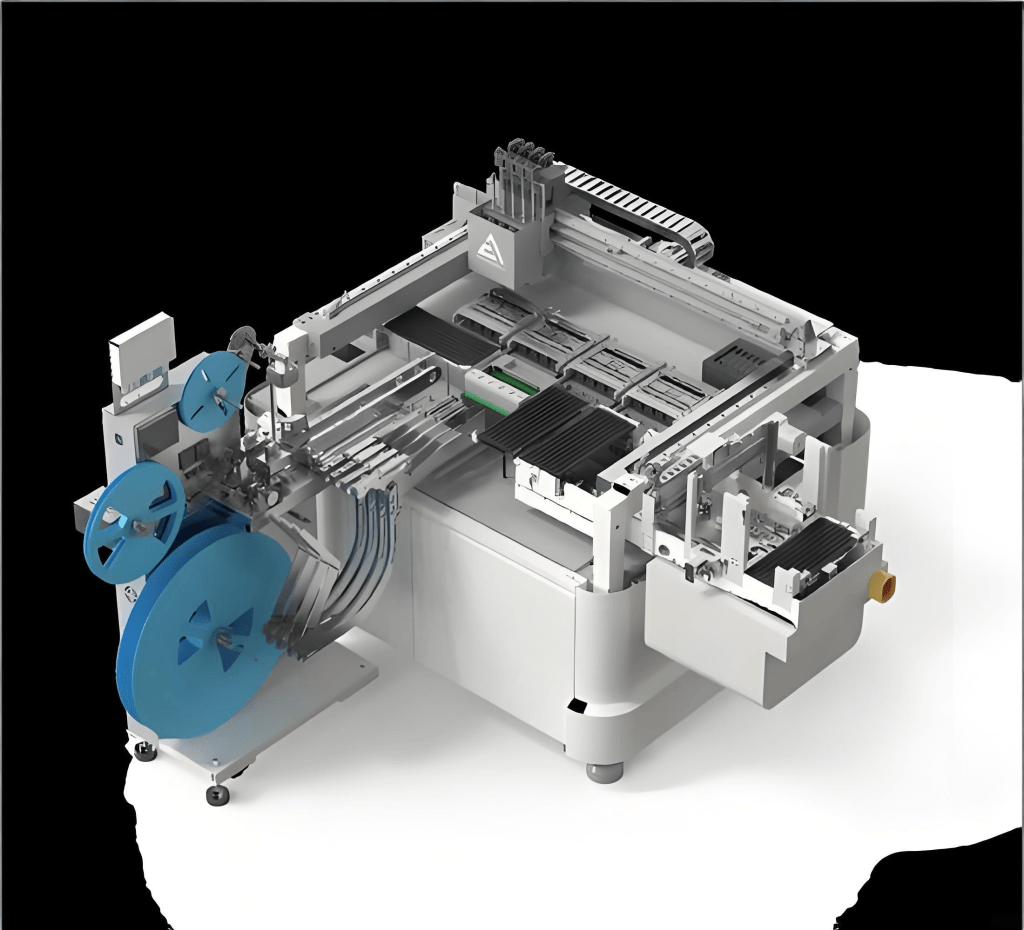


When an IC programmer encounters a “setup failure” during production startup or device switching, it triggers not only frustration among technicians but also precise disruption to the entire production workflow. Traditional troubleshooting often falls into the fragmented trap of “treating the symptom, not the cause,” whereas true experts aim to construct a systematic, repeatable diagnostic framework.
This guide is designed as a practical reference, guiding you to peel away the complexity of failure phenomena and reach the root cause. We elevate troubleshooting into a system engineering practice, a diagnostic philosophy, and a data-driven scientific approach.
Chapter 1: Laying the Foundation of Diagnostic Philosophy—From “Trial and Error” to “Systematic Thinking”
1.1 Beyond the Surface: The “Iceberg Model” of Setup Failures
An error message like “Device Not Detected” or “Communication Error” is just the tip of the iceberg. Beneath the surface lies a complex system composed of hardware, software, firmware, environment, materials, and human operations.
- Layer 1: Direct Triggers – e.g., loose USB cables, reversed chip orientation.
- Layer 2: Intermediate Issues – e.g., oxidized adapter pins causing increased contact resistance, excessive power ripple disrupting communication timing.
- Layer 3: Systemic Root Causes – e.g., firmware incompatibility with the latest IDE, poor power quality in the workshop without protection, lack of effective engineering change management causing the use of incorrect programming scripts.
High-level diagnostics require penetrating Layer 1, investigating Layer 2, and ultimately resolving Layer 3.
1.2 Building Fault Tree Analysis (FTA) Thinking
Before taking action, construct a fault tree in your mind or on paper with “setup failure” as the top event. This top-down, deductive approach ensures thorough logic.
- Top Event: IC programmer setup failure
- Intermediate Events: Power fault, communication failure, identification failure, programming algorithm load failure, etc.
- Basic Events: Drill down to the smallest replaceable/testable units, e.g., USB underpower, target chip VDD-to-GND short, adapter pin spring failure.
This method enforces logical thinking, avoids omissions, and turns experience into organizational knowledge assets.
1.3 Following the Golden Diagnostic Flow: From Outside to Inside, From Software to Hardware, From Simple to Complex
A core principle to save time and minimize wasted effort.
- Outside to Inside: Check all external connections (cables, adapters, power) before suspecting the programmer itself; inspect sockets and PCB pads before suspecting the chip core.
- Software to Hardware: Verify software configuration (drivers, project settings, script parameters) and version matching before using multimeters or oscilloscopes.
- Simple to Complex: Start with the simplest, fastest checks (replugging, restarting software), then perform complex waveform measurements and chip decapping if necessary.
Chapter 2: Deep Diagnostic Practices—Systematic Troubleshooting Based on Fault Tree
This chapter performs a panoramic, in-depth analysis of setup failures according to the fault tree structure.
2.1 Power Subsystem Failures: The Foundation of All Operations
Power issues are among the most common and hidden root causes—they go beyond just “voltage present.”
- Tools: Digital multimeter (DMM), true RMS meter, oscilloscope with current probe.
- Diagnostic Path:
- Static Voltage Check
- Action: With the programmer powered on but no chip connected, measure VCC-to-GND voltage on the adapter socket. Ensure it matches chip requirements (e.g., 3.3V, 1.8V) within ±1%.
- Deep Dive: If voltage is zero, check the programmer’s power switch or internal fuse; if deviating, check software voltage settings and suspect internal regulator faults.
- Dynamic Load Test
- Symptom: Normal voltage at no load, errors during programming.
- Action: Use an oscilloscope on VCC-GND pins in single-trigger mode during programming. Observe Voltage Droop.
- Diagnosis: Droop >5% indicates insufficient dynamic response or high output impedance. Causes may include aged power supply, failed filter capacitors, or high-resistance paths.
- Power Integrity (PI) and Noise Analysis
- Action: Measure VCC ripple and noise during operation, bandwidth limited to 20MHz.
- Diagnosis: Ripple >50mV (for 3.3V systems) can cause logic errors. Sources include poor internal filtering or EMI.
- Power Sequencing Issues
- Symptom: Multi-power chips (CPU, FPGA) require precise VCCIO/VCORE sequences.
- Action: Verify multi-channel power sequencing using a multi-channel oscilloscope.
- Static Voltage Check
2.2 Communication and Signal Integrity: The Art of Digital Dialogue
Communication between programmer and chip (JTAG, SWD, SPI) is critical.
- Tools: Oscilloscope (>200MHz, 4+ channels), logic analyzer.
- Diagnostic Path:
- Physical Connections and Logic Levels: Measure signals for shorts or open circuits; verify idle voltages.
- Waveform Quality Analysis: Observe rise/fall times, overshoot/undershoot, ringing, logic level collapse. Causes include poor cables, adapter internal wiring, PCB vias, and connectors.
- Protocol Layer Analysis: Decode SPI/JTAG/SWD; verify programmer commands, chip responses, and communication timeouts.
2.3 Device Identification and Contact Failures
Classic setup failure scenario:
- Tools: Multimeter, magnifying glass, thermal imager.
- Diagnostic Path:
- Physical Contact Inspection: Check pins and adapter/probe; measure contact resistance (<100 mΩ ideal); use thermal imaging for abnormal heating.
- ID Read Failure Analysis:
- Full 0s or Fs → communication failure
- Partial correctness → poor contact or signal integrity
- Wrong ID → fake chip or outdated programmer database
2.4 Software and Configuration Failures
Hardware fine, issue in software:
- Methodology: Version control, comparative analysis, environment isolation.
- Diagnostic Path:
- Environment & Version Management: Use “golden image” known-good configuration. Test on verified programmer-PC combination to isolate environment issues.
- Project Settings & Script Logic: Check voltage, clock speed, interface, algorithm files, custom scripts, and detailed logging.
- File Integrity Verification: Checksum Hex/Bin files (CRC32) to ensure no corruption.
Chapter 3: Advanced Diagnostic Techniques & Case Studies
3.1 Using Programmer Logs & Debug Interfaces
- Logs: Examine INFO/DEBUG, not just ERROR.
- Debug Interfaces: Telnet/SSH access to monitor internal registers and power IC readings.
3.2 Comparative & Replacement Method
- Cross-test different combinations of device, adapter, and chip to isolate the fault. Change only one variable at a time.
3.3 Case Study: Intermittent Failure Due to Ground Loop
- Symptom: Frequent daytime errors, stable nights/weekends.
- Diagnosis: High-frequency (~50kHz) noise traced to AC compressor; ground loop caused coupled noise into programmer via USB.
- Solution: Ferrite USB cables and isolation transformer to break the ground loop.
Chapter 4: Building a Proactive Defense System—From Troubleshooting to Fault Prevention
- First-Time Setup Checklist: Document and verify every new device/setup step.
- Engineering Change Management (ECM): Require approval and testing for software, firmware, scripts, and adapters; update golden image.
- Environment Hardening: UPS, power purifiers, ESD-safe clean zones for critical programmer stations.
- Knowledge Base Construction: Record each case as “Symptom → Diagnostic Process → Root Cause → Solution” linked to device and error code.
Conclusion: The Path to Troubleshooting Mastery
IC programmer setup failure troubleshooting tests knowledge, skills, and mindset:
- Knowledge: Power electronics, digital circuits, signal integrity, software engineering, and chip architecture.
- Skills: Proficient measurement tool use, rigorous logic, and data analysis.
- Mindset: Patience, attention to detail, and relentless persistence.
By adopting systematic thinking, scientific diagnostic workflows, and deep measurement techniques, you can reduce reliance on luck and build a repeatable, transferable troubleshooting system. This elevates both personnel and enterprise from reactive “firefighters” to proactive reliability engineers, laying the foundation for excellence in manufacturing.


 SMTPack LAB
留下评论