
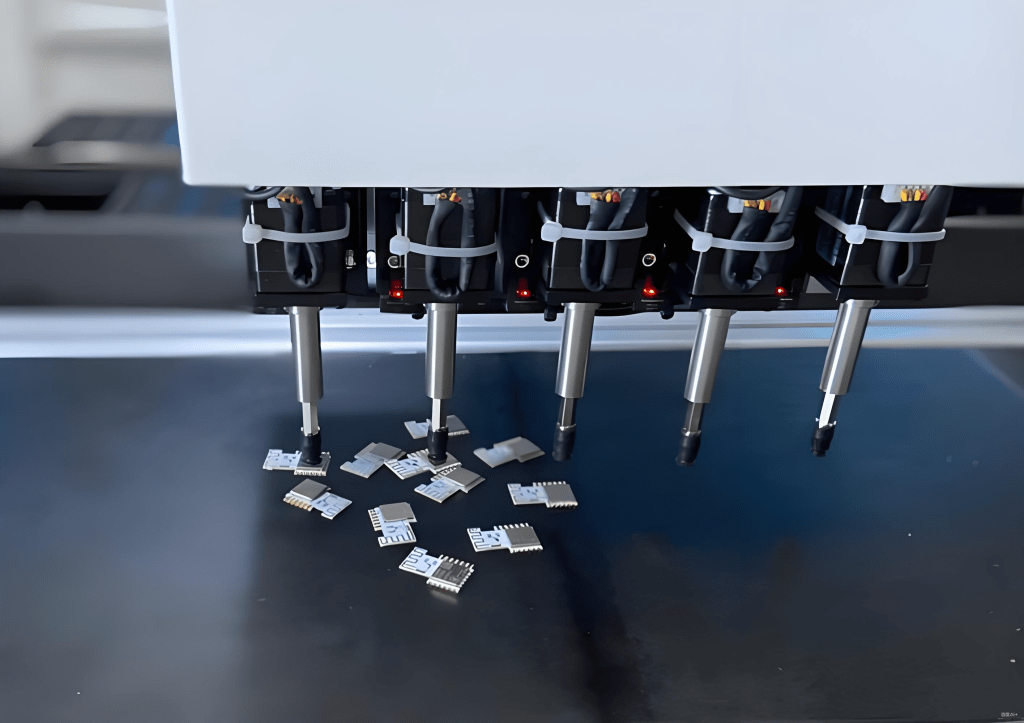


Configuring a tray loader properly is essential for optimizing the yield and efficiency of your SMT lines. Improper setup can lead to misfeeds, component errors, and increased downtime, affecting production goals. This guide covers every detail to ensure your tray loader runs smoothly.
For more detailed guides, see our Technical Articles section, including Equipment Selection and SMT Basics.
Table of Contents
- Introduction
- Preparation Before Configuration
- Step 1: Positioning the Tray Loader
- Step 2: Aligning the Feed System
- Step 3: Calibration and Testing
- Step 4: Operator Tips and Safety
- Maintenance and Troubleshooting
- Best Practices for Efficiency
- Conclusion
Preparation Before Configuration
Before starting, ensure you have the correct equipment and workspace ready:
- Tray loader device fully tested and operational
- Correct tray and reel sizes according to your SMT machine specifications
- Tools for calibration, including screwdrivers, measuring gauges, and alignment tools
- SMT machine powered off and locked out for safety
- Documentation and operator manuals available for reference
Proper preparation reduces setup time and prevents avoidable errors. Visit our Equipment Selection page for compatible tray loaders and reels.
Step 1: Positioning the Tray Loader
Start by positioning the tray loader securely at the designated spot in your SMT line. Ensure stability and correct height alignment with the machine input.
Detailed Positioning Tips
Adjust the rails so the trays enter the SMT machine smoothly. Check for clearance issues and ensure the loader is level. Misalignment can cause jams or misfeeds. Reference our SMT Basics guide for alignment diagrams.
Step 2: Aligning the Feed System
Connect the tray loader to the SMT machine’s feeder system. Proper alignment ensures accurate tray movement and prevents component misplacement.
Alignment Tips
Verify that all sensors detect the trays correctly. Run empty tray tests to ensure smooth travel. Adjust the feeder guides to match reel size. Check out our SMT Stencil Design recommendations to prevent misalignment issues.
Step 3: Calibration and Testing
Calibrate your loader using the SMT machine’s manual:
- Adjust tray spacing according to component size
- Set feed speed to match production requirements
- Verify sensor thresholds
- Test multiple cycles to check consistency
Testing Procedure
Run a full test with real reels. Monitor for skipped components or jams. Document any adjustments made. For ongoing maintenance schedules, see our Preventive Maintenance Schedule.
Step 4: Operator Tips and Safety
Operators must follow proper safety protocols:
- Lockout and tagout before adjustments
- Wear personal protective equipment
- Keep hands clear of moving trays
- Log all configuration changes for traceability
See additional operator guidelines in our SMT Basics section.
Maintenance and Troubleshooting
Regular maintenance prevents downtime and extends loader life:
- Daily cleaning and inspection of moving parts
- Weekly lubrication of guides and rails
- Monthly calibration checks
Common issues include tray misalignment, sensor faults, and feeder jams. Troubleshooting steps can be found in our Technical Articles library.
Best Practices for Efficiency
Following these practices can significantly improve production efficiency:
- Use high-quality trays and reels
- Schedule preventive maintenance according to usage
- Document all adjustments for repeatability
- Train operators on SOPs and safety guidelines
For more efficiency tips, check our Equipment Selection and SMT Basics articles.
Conclusion
By carefully following these steps, you can configure a tray loader for maximum efficiency, reduce errors, and ensure smooth SMT production. Explore our Technical Articles for more guides or contact us via Contact Page.


 SMTPack LAB
留下评论